Usage Report
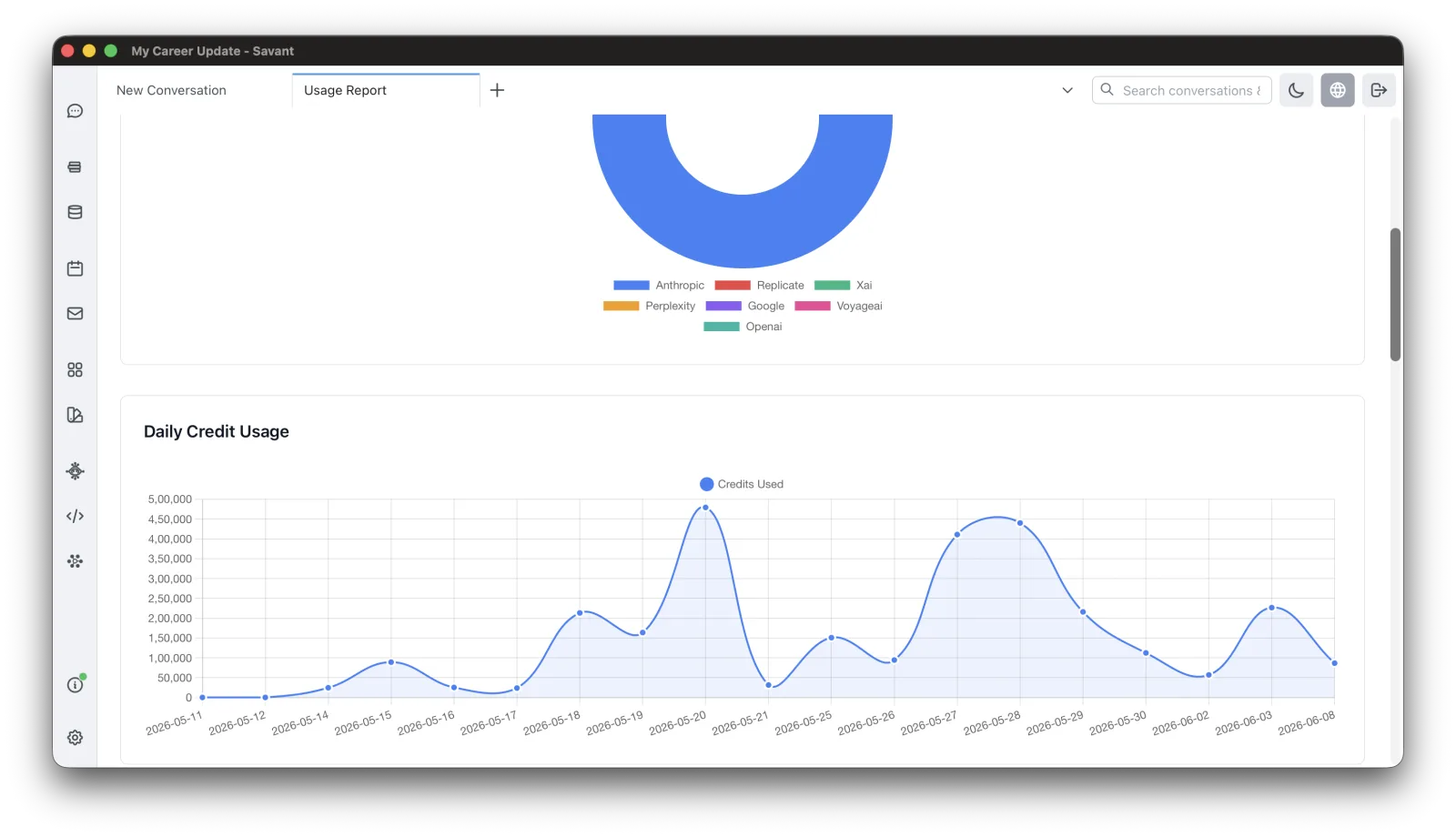
The Usage Report shows exactly where your credits go, so there are no surprises. Open it from Rolltop Info & Feedback in the sidebar.
Breakdowns
View usage by:
- Provider — Anthropic, OpenAI, Google, xAI, Replicate, Perplexity, ElevenLabs, AssemblyAI, and Voyage AI.
- Service type — chat, embedding, image, video, audio, search.
- Project.
- Source — which part of the app the usage came from (chat, agent, Media Studio, and so on).
Drill down
- Click a project or service type to see the top conversations by credit use.
- Click a provider to see a model breakdown and recent calls.
Date range
Filter to Today, Last 7 / 30 / 90 days, This Month, Last Month, or a custom range. A daily trend chart plots your usage over the selected window.
Where the numbers come from
Usage is priced on Rolltop's servers, from the provider's own response — not estimated by the app. That means the report and what you're actually charged can't disagree.
A local copy is kept on your machine as well, so the report opens instantly and still works offline; it's reconciled against the server record.