Settings
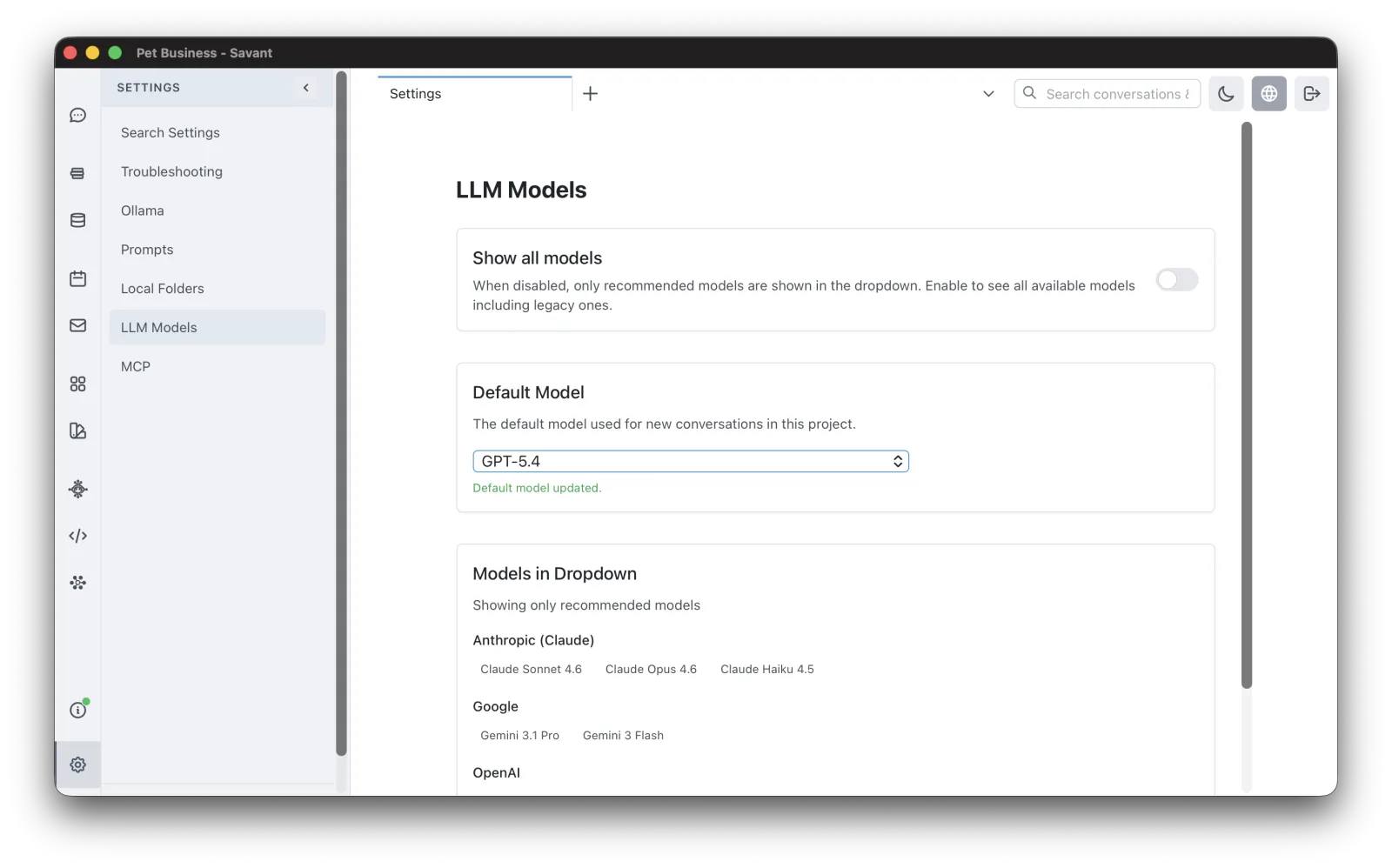
Open Settings with the gear icon at the bottom of the primary sidebar, or press Cmd/Ctrl + ,. Settings is organized into sections listed down the left:
- Search Settings — choose the embedding model for project search (Voyage AI, or local Ollama) and rebuild the search index. See Search.
- Troubleshooting — turn API logging on or off for conversations and agents, and cap how many log files are kept. See Troubleshooting.
- Ollama — enable Ollama, set the Ollama API URL, Test Connection, and Refresh the list of installed local models. See Local Models.
- Prompts — toggle "include today's date in context" and edit the built-in system prompts (all-conversations, tool-use, summarization), reverting any to its default.
- Local Folders — view and open Rolltop's Data Folder and Configuration Folder on disk.
- LLM Models — set your Global Preferred Model (the default everywhere) and the Default Model for the active project, and toggle "show all models". See Choosing a Model.
Theme
The dark / light theme toggle isn't in Settings — it's in the top bar, next to the search box. Your choice is saved locally and persists across restarts.
Service and tool settings live with MCP Tools
Configuration for connected services isn't on this page. Each lives with its tool under MCP Tools in the sidebar — open a server and use its Settings tab:
- Email accounts — see Connecting Email.
- Filesystem allowed folders — see Filesystem Access.
- Custom and hosted MCP servers, and a server's per-server Additional Instructions — see External & Hosted MCP.