Context Memory & Instructions
Without persistent context, every conversation starts cold — you re-introduce yourself and re-explain your preferences each time. Rolltop solves this with two layers of context that apply to every conversation in a project.
- Project Memories — facts the AI should always remember.
- Custom Instructions — rules for how the AI should behave.
Both live on the project's Context tab and are included automatically in all conversations within that project.
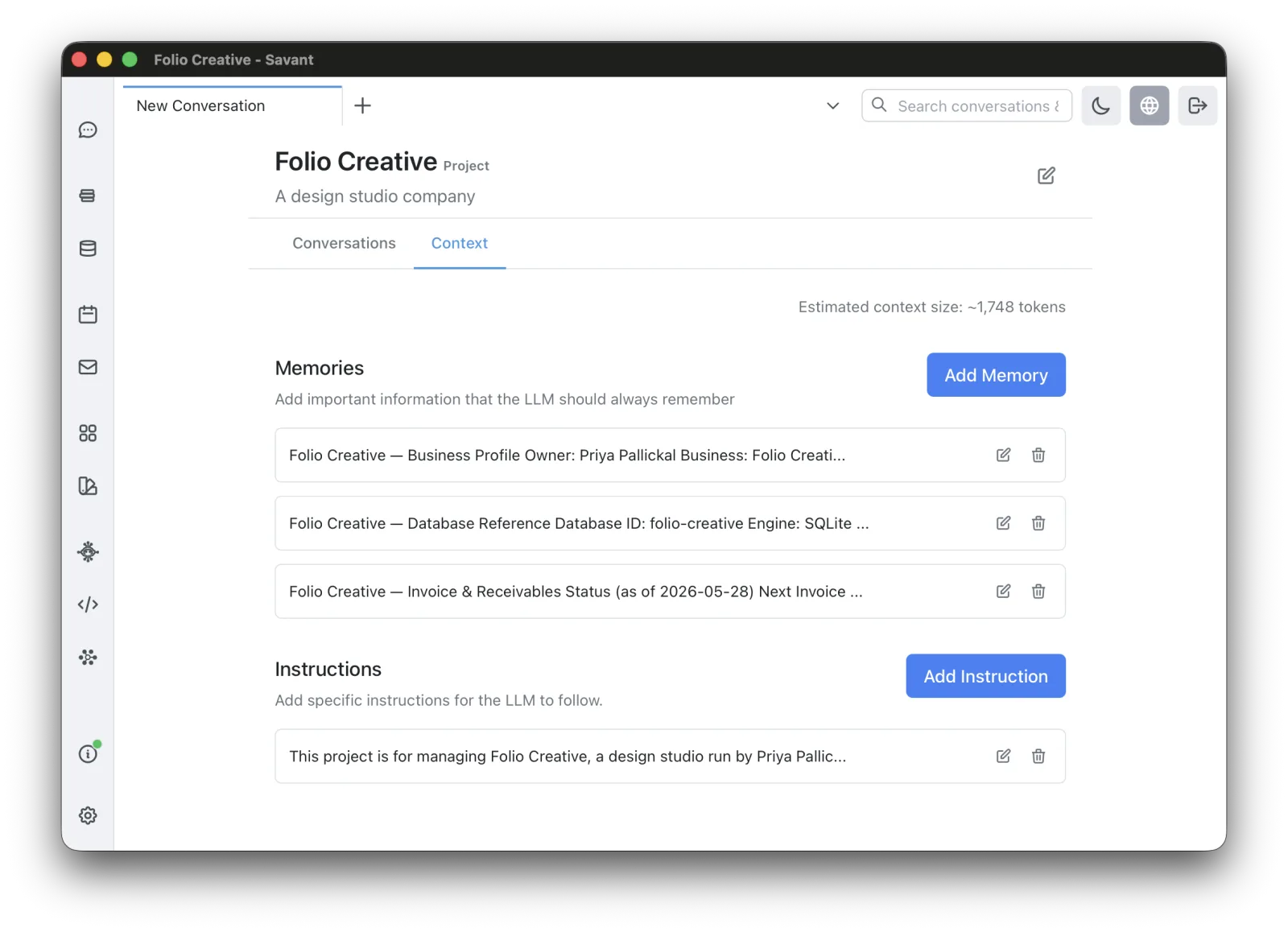
Project Memories
Memories are durable facts about you, your work, and your project. With them, the AI can give personalized, relevant answers without being told the same things again.
Good memories:
- "My name is Alex; I'm a backend developer."
- "We use Python 3.11 with pytest for testing."
- "Our blog runs on WordPress; the audience is beginners aged 25–35."
- "The project deadline is March 15th."
Adding a memory
- Open the project and go to the Context tab.
- Find the Memories section and click Add Memory.
- Write the memory in clear, plain language.
- Save.
Custom Instructions
Instructions are standing rules for the AI's behavior — tone, format, conventions.
Good instructions:
- "Write in a friendly, conversational tone."
- "Always include code examples in Python and follow PEP 8."
- "Keep explanations simple for beginners."
- "Don't use clichéd LLM phrasing or unnecessary pleasantries."
Add and edit them in the Instructions section of the Context tab.
Update context from a conversation
You don't have to open the Context tab to add context. When the right tool is enabled, you can just ask the AI in any conversation:
Add to current project's memory: our website address is mywebsite.com
Add to current project's instructions: don't start replies with "Remember,".
Memories vs. a Corpus
Use memories for a handful of durable facts the AI should always keep in mind. Use a Corpus when you have a body of material — documents, web pages, manuals — that the AI should search when relevant. Memories are always present; corpus content is retrieved on demand.