Web Research
Rolltop includes Perplexity-powered web research — the AI can search the live web and return structured answers with citations. This is how you bring current information into a conversation. Research uses credits.
Research modes
Perplexity research supports different modes for different needs:
- General — everyday web search.
- Academic — weighted toward scholarly sources.
- Financial — oriented to market and financial information.
The AI picks a mode to fit your request; you can also ask for one explicitly (e.g. "use academic sources").
How to use it
Research runs inside a conversation — there's no separate Research panel. With the research tool enabled (see Tools & Smart MCP Selection), ask the AI to research a topic — it helps to say so explicitly:
Research the latest developments in solid-state batteries. Use the research tool.
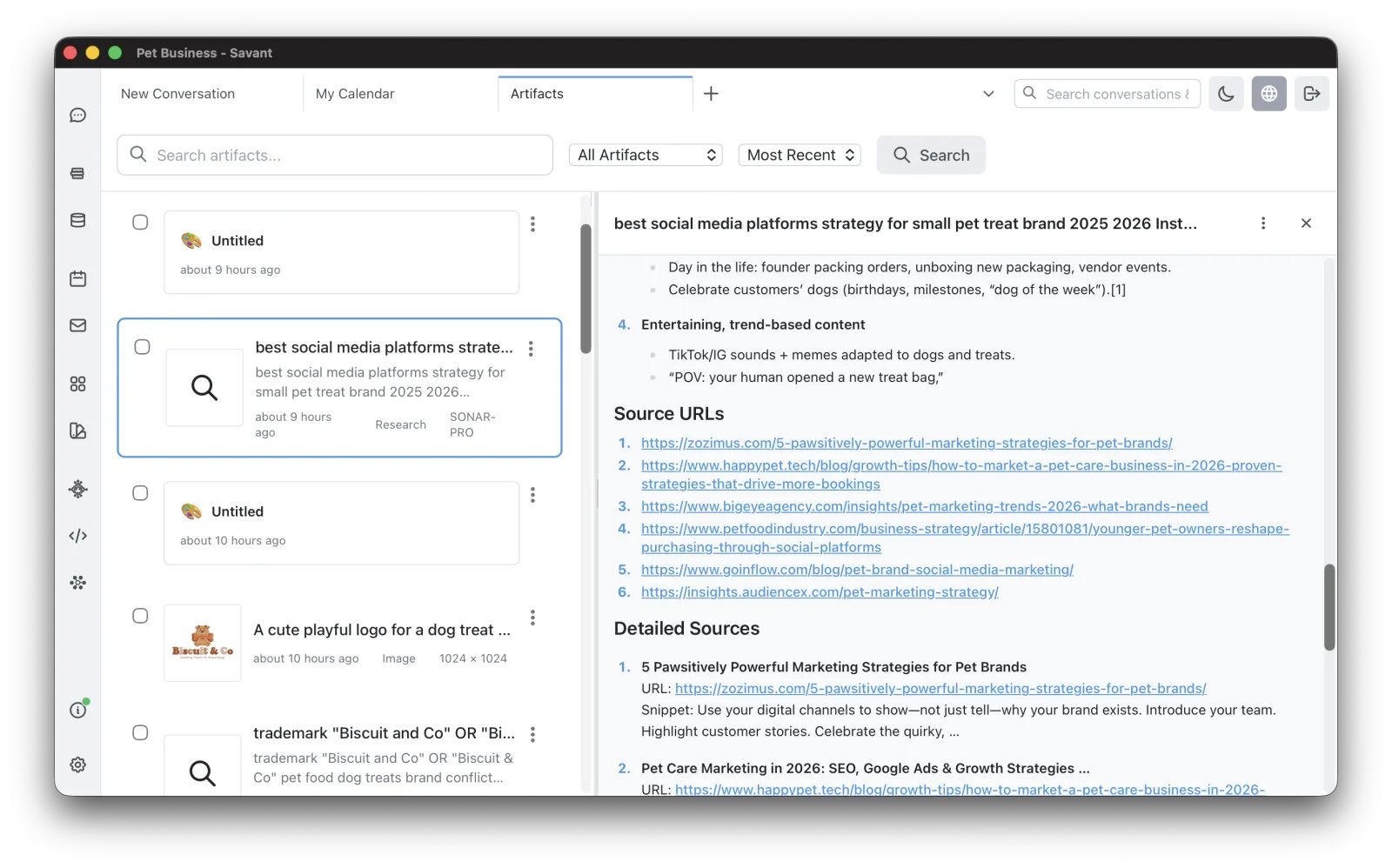
The result comes back with citations to its sources, and is saved as a research artifact you can revisit later (see Artifacts).
Save research to a corpus
A research result can be saved into a corpus with a menu click, so it becomes part of your searchable knowledge base.
A note on Grok's X Search
Separately from Perplexity, the Grok model has built-in X Search that can pull cited results from X (Twitter) during a normal conversation. See Choosing a Model.